Yes, Lowe’s offers a free deck design service through its online Deck Designer tool. Homeowners can sketch a custom deck layout, choose materials, and generate a full shopping list at no cost. The tool is built for DIY planning and basic visualization, making it useful for early-stage projects. However, free design tools have clear limits, and larger or structurally complex decks usually require a professional builder for accurate planning, permits, and installation.
Yes, Lowe’s Offers a Free Deck Design Service
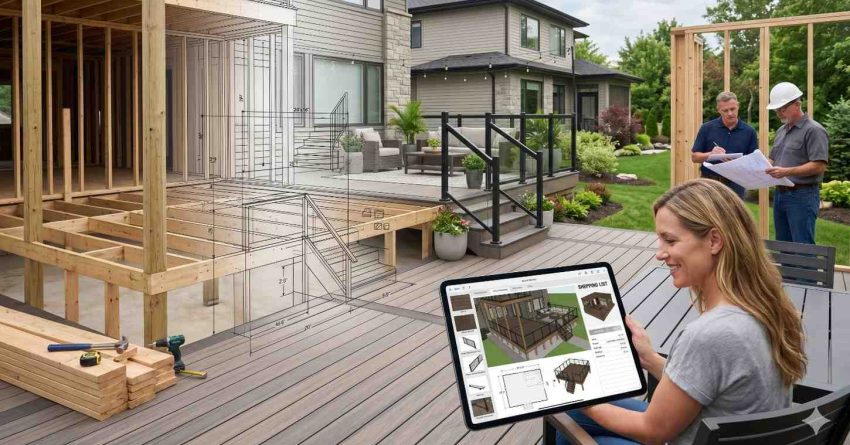
Lowe’s provides a free online Deck Designer that lets users create a 3D rendering of their deck, select board styles, choose railings, and produce an itemized material list. The service is free, requires no purchase, and works directly in a web browser. It is designed for homeowners planning a basic deck project on their own.
How the Lowe’s Free Deck Designer Tool Works
The tool walks users through a step-by-step process. You enter the deck dimensions, attach it to a virtual home, then add stairs, railings, and surface materials. The 3D preview updates in real time. Once the layout is finished, the tool exports a printable plan and a complete shopping list for Lowe’s inventory, including lumber, fasteners, and finishing materials suited to the chosen design.
What’s Included in the Free Design
The free design covers basic deck shapes, standard board patterns, common railing styles, and pre-set material categories like pressure-treated wood and composite decking. It generates a visual layout, a top-down plan, and the estimated material quantities. It does not include engineered drawings, load calculations, permit-ready blueprints, or contractor coordination. The output is a planning aid, not a construction document.
Understanding what the tool produces is the starting point. For decks that involve elevation changes, multi-level layouts, or attachment to the home’s structure, hiring a professional deck builder becomes the practical next step.
When a Free Deck Design Is Enough (and When It Isn’t)
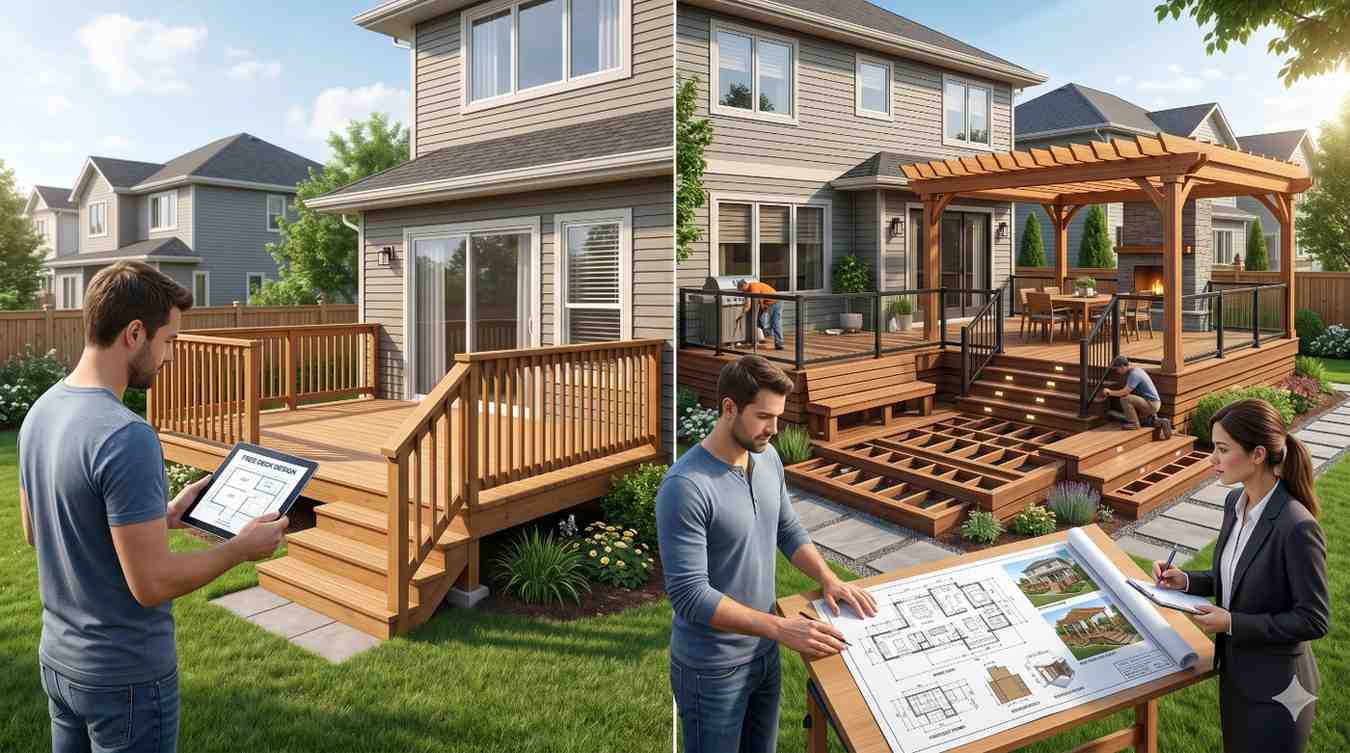
A free design tool works well for small, ground-level decks with simple rectangular shapes and standard materials. Homeowners with DIY experience can use the output to estimate costs, plan timelines, and order materials. The tool is also helpful for visualizing ideas before consulting a contractor.
It falls short when the project involves second-story decks, custom railings, integrated lighting, built-in seating, or unusual lot conditions like slopes and uneven ground. These projects depend on accurate measurements and material choices that account for local building codes, weight loads, and site-specific drainage.
Limits of DIY Design Tools for Complex Projects
DIY tools cannot replace a site inspection. They assume standard conditions, fixed material catalogs, and basic shapes. Permit offices typically require sealed plans for decks over a certain height, which free tools do not produce. A professional design accounts for joist spacing, footing depth, ledger board attachment, and load distribution, all of which affect long-term safety and durability.
Free Design vs. Professional Deck Builder Consultation
A free Lowe’s design gives homeowners a starting visual and a material estimate. A professional consultation adds site evaluation, code compliance, permit documentation, structural engineering when needed, and an installation plan. Many professional deck builders also offer free initial consultations, often with more accurate project scoping than a self-guided tool can provide. For most mid-to-large projects, the professional route delivers a safer, more reliable result with a clear warranty.
Conclusion
Lowe’s free Deck Designer is a useful planning tool for small DIY projects, offering layouts, material lists, and 3D previews at no cost.
For homeowners, landlords, and property managers planning larger or permitted builds, a professional consultation provides the accuracy and code compliance the free tool cannot deliver.
When your deck project needs reliable design, expert installation, and dependable results, we connect you with trusted local professionals through Mr. Local Services today.
Frequently Asked Questions
Is the Lowe’s Deck Designer really free to use?
Yes, the tool is completely free. No purchase or account upgrade is required to design a deck or generate a material list.
Can I get permit-ready plans from the Lowe’s free design tool?
No, the free tool produces visual layouts and material lists, not engineered or permit-ready blueprints required by most local building departments.
Does Lowe’s install the deck after I design it?
Lowe’s offers installation services through approved contractors, but installation is a separate paid service from the free design tool.
Can I save and edit my Lowe’s deck design later?
Yes, you can save designs to your Lowe’s account, edit dimensions or materials, and export updated material lists anytime.
Are there alternatives to the Lowe’s free deck design tool?
Yes, Home Depot offers a similar free tool, and many local deck builders provide free design consultations with more accurate, site-specific planning.